


LUTs

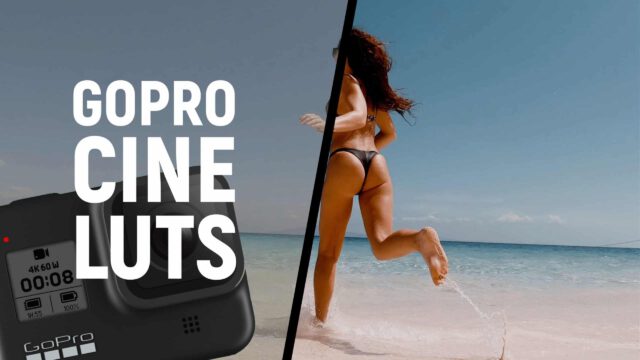
GoPro Cine LUTs

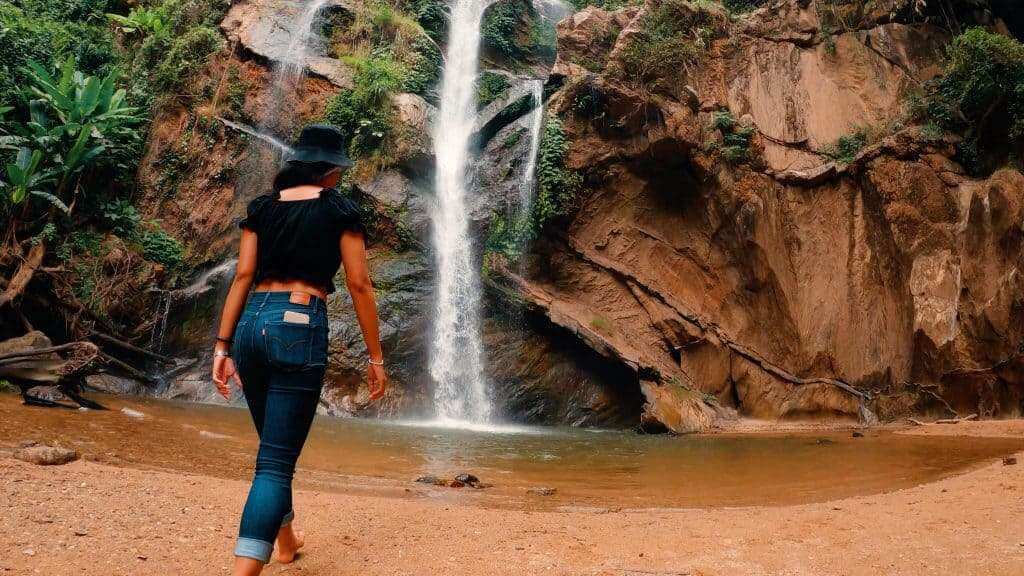
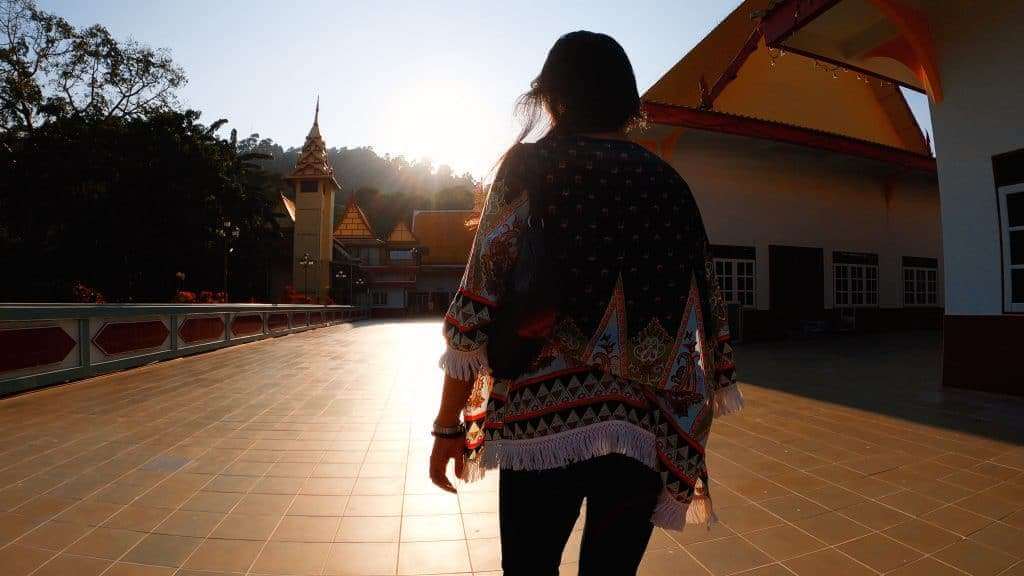
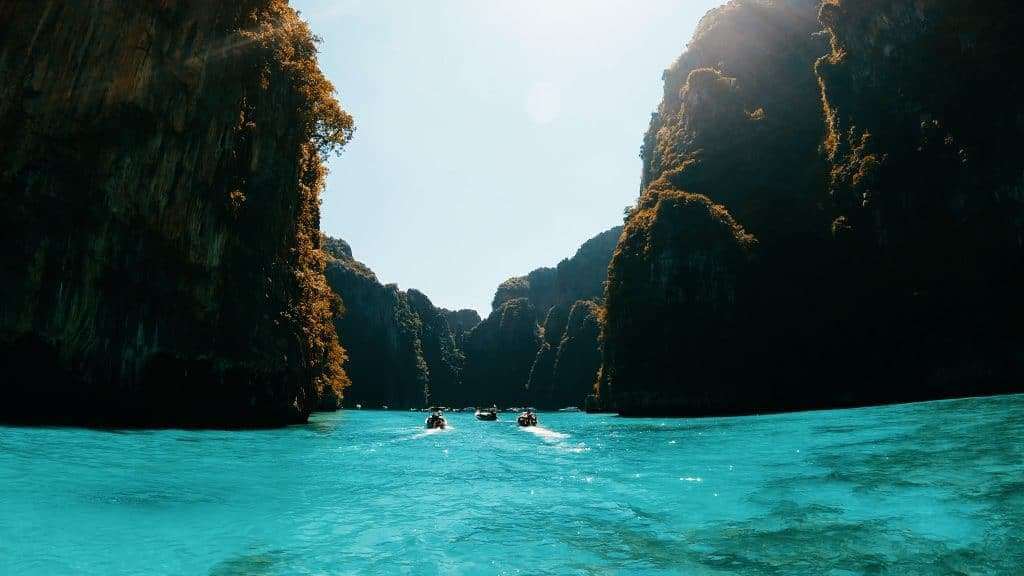
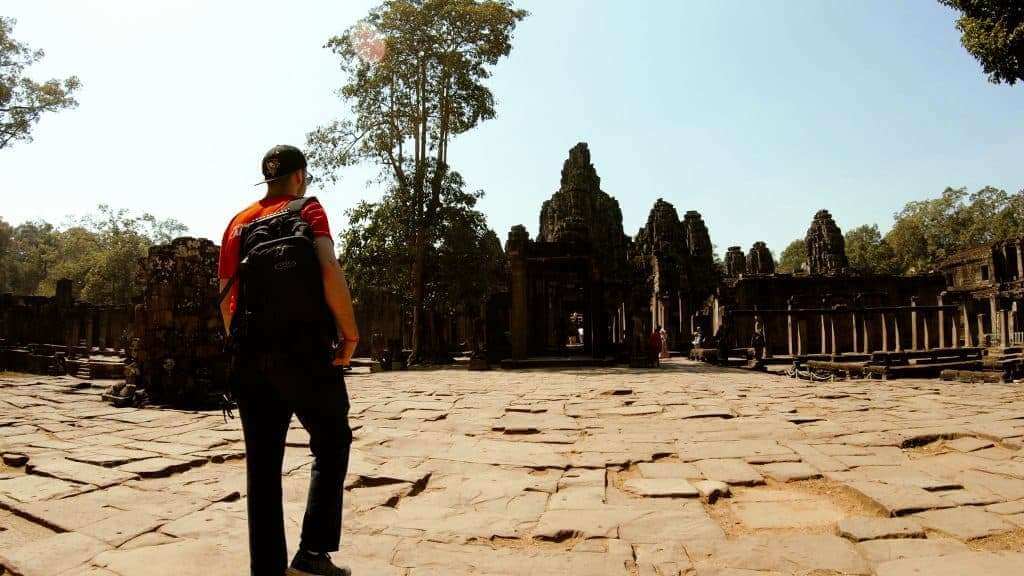
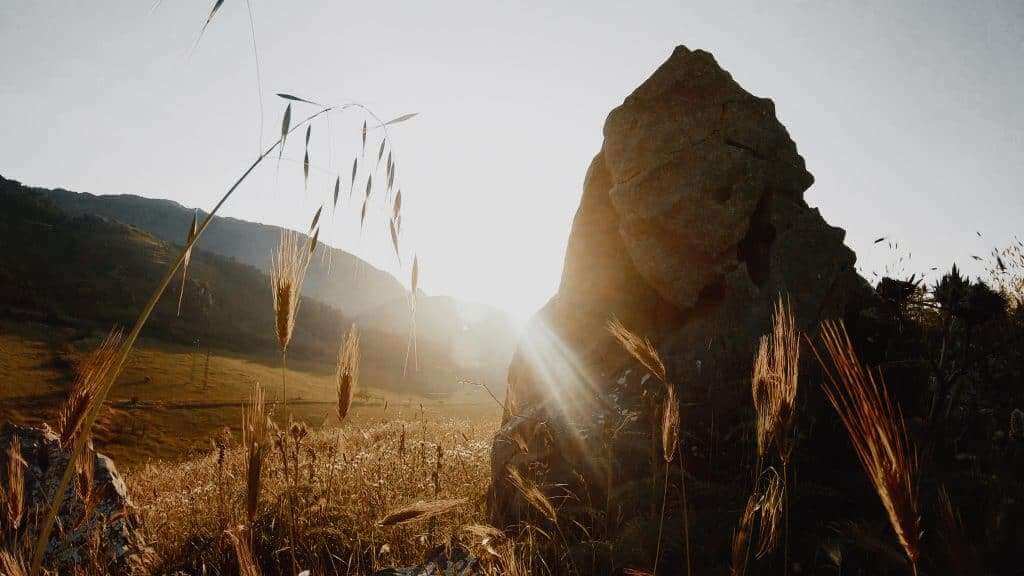
16 LUTs to make Your GoPro footage look cinematic!

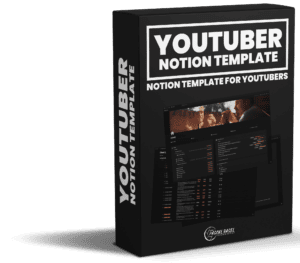
GoPro Cine LUTs product image
DaVinci Resolve iconFinal Cut Pro IconAdobe Premiere IconFilmora IconLumaFusion IconCapCut Icon

For GoPro Hero 7, 8, 9, 10, 11, 12 & 13

Designed for GoPros flat color profile

16 high-quality LUTs

One general GoPro Flat conversion LUT

About the GoPro LUTs

The LUTs are carefully created to match the GoPro Hero 7, 8, 9, 10, 11, 12 & 13 as good as possible. Under normal use cases, they shouldn’t break your footage. It’s important that you set your GoPro to the Flat color profile. If you set it to GoPro Color, the footage might be oversaturated and too contrasty!

You’ll find mostly modern high-contrast looks and some orange and teal as well. The non orange and teal LUTs are great to preserve your green tones. For the best results, I recommend using the same look for all clips in one scene of your video. That makes it look more professional instead of if every clip has different colors.

Go beyond LUTs

Get pro color grading in Final Cut Pro with our plugin Density

A LUT is a fixed look. Density is the complete color grading suite for Final Cut Pro: Resolve-style color management, film emulation with 57 film stocks, clip grouping and a lot more. The DepthScape looks are built in as editable presets, so you can change film stock, color and contrast anytime, in SDR and HDR.

Try Density for free

Anymore questions?

Special Offer

All Products Bundle